
Log in to Betwinner: Your Guide to Accessing the Platform
Are you eager to start your betting journey with one of the leading platforms? The first step is to Log in to Betwinner connectez-vous Betwinner successfully. This guide will walk you through the process of logging in, navigating your account, and troubleshooting common issues.
Understanding the Betwinner Platform
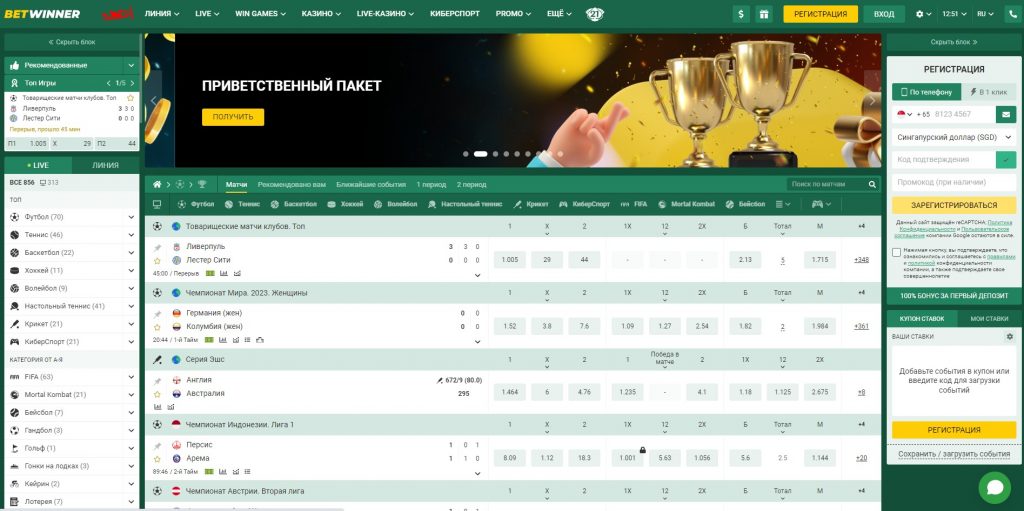
Betwinner is a popular online betting platform that offers a wide variety of sports betting options, casino games, and other gambling opportunities. By creating an account and logging in, users gain access to numerous features including live betting, promotional offers, and the opportunity to engage with other bettors. Understanding how to log in and utilize these features is essential for an enjoyable experience.
Steps to Log in to Betwinner
Logging in to Betwinner is a straightforward process. Follow these simple steps to access your account:
- Visit the official Betwinner website.
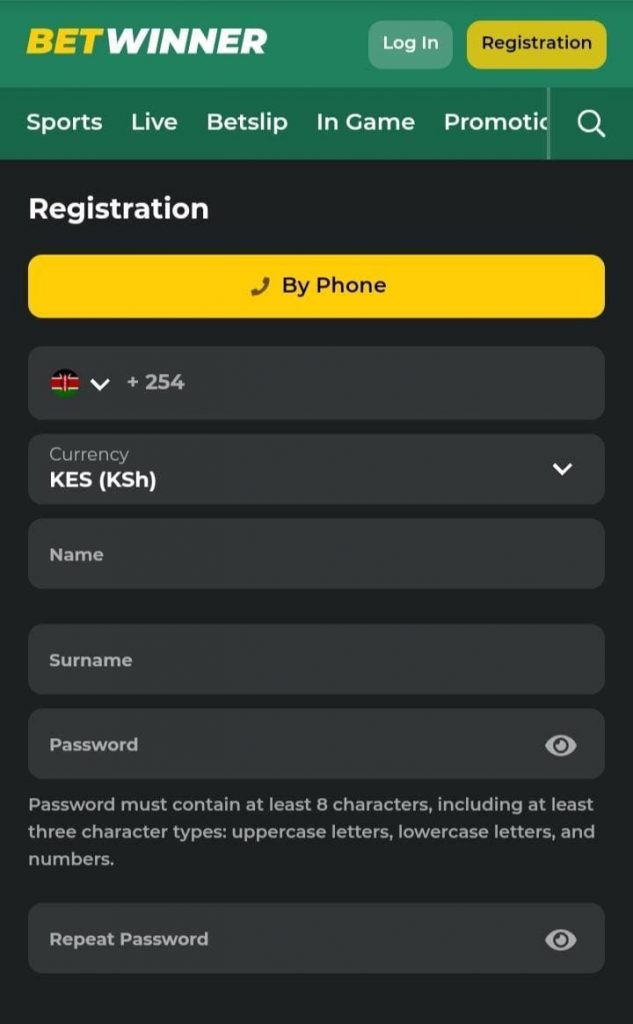
- Locate the “Log In” button on the homepage, usually positioned at the top right corner of the page.
- Click the “Log In” button, which will prompt a login form to appear.
- Enter your registered email address or phone number, followed by your password. Ensure that the credentials are correct to avoid login issues.
- If you have forgotten your password, utilize the “Forgot Password?” link to reset it. Follow the instructions to retrieve or change your password.
- After entering your information, click the “Log In” button to access your account.
Navigation After Logging In
Once you have successfully logged in to Betwinner, the next step is to familiarize yourself with the user interface:
- Sports Section: Access all available sports and events for betting.
- In-Play Betting: Stay updated with live betting options and real-time statistics.
- Casino Games: Explore various casino games including slots, table games, and live dealer games.
- Promotions: Check for ongoing promotions, bonuses, and special offers that can enhance your betting experience.
- Account Settings: Manage your account settings, deposit and withdrawal methods, and update personal information.
Troubleshooting Login Issues
Sometimes users may encounter issues when attempting to log in to their Betwinner account. Here are some common problems and solutions:
1. Incorrect Credentials
If you cannot log in due to incorrect credentials, double-check your email or phone number and password. Make sure the Caps Lock key is not enabled when typing your password. If necessary, use the password reset option.
2. Account Locked or Suspended
If your account has been temporarily locked or suspended, contact Betwinner customer support for assistance. They will provide information on the status of your account and the steps necessary to resolve any issues.
3. Browser Compatibility:
Sometimes, certain browsers may not function well with the Betwinner platform. Try clearing your browser cache or switching to a different browser if login problems persist.
Mobile Login to Betwinner
For those who prefer mobile betting, Betwinner also offers a mobile application for seamless access on the go. To log in via the app, follow these steps:
- Download the Betwinner app from the official website or your app store.
- Open the app and tap the “Log In” button.
- Enter your login credentials (email/phone and password).
- Tap “Log In” to access your account.
Final Tips for a Smooth Betting Experience
To ensure a smooth experience when logging in and using Betwinner, consider these final tips:
- Regularly update your password for security reasons.
- Enable two-factor authentication if offered for added account protection.
- Maintain an active internet connection for uninterrupted access.
- Stay updated with the latest platform news and changes to maximize your betting potential.
In conclusion, your ability to log in to Betwinner effectively sets the groundwork for a rewarding betting experience. Follow the guidelines presented in this article, and soon you will be well on your way to enjoying everything Betwinner has to offer.